
Convert slides into active retrieval tasks and study them on a spaced schedule: that single habit yields the biggest retention gain. Practice testing and spaced practice are the two study techniques with the strongest evidence behind them, far ahead of rereading or highlighting. Tools like BoardMaster can speed up the conversion step, turning uploaded lecture slides into practice questions and flashcards in minutes instead of hours.
TL;DR:
- Capture the professor’s emphasis within a few hours of class; a delay of five minutes can leave less verbal context for building useful prompts.
- Review material after one, three, and seven days; extend successful items to two or three weeks, but return missed items to a one day interval.
- Rephrase slide wording and change examples or contexts, so questions test recall of the underlying concept rather than recognition of familiar sentences.
- Generate cards by lecture rather than from an entire course, then check each prompt against instructor emphasis and edit unclear wording before review.
- If you miss an item in three consecutive sessions, revisit the slide, textbook, or instructor before putting it back into rotation.
Table of Contents
- A three-minute slide-to-study workflow for right after class
- Turning slides into retrieval practice: question templates that work
- Scheduling study with spaced practice: a calendar you can actually follow
- Flashcards, digital workflows, and automation tiers for slides
- Organize slides for repeated study: filenames, tags, and an index
- Running a focused 30 to 50 minute slide study session
- Why these methods work and what a real case shows
- Why rereading feels right even though it isn't
- BoardMaster: turning slides into practice questions automatically
- FAQ
- Sources
- Key research and practical guides used in this article
A three-minute slide-to-study workflow for right after class
The best time to process a slide deck is within a few hours of the lecture, while the professor's emphasis and spoken asides are still fresh. Waiting a week means relying on slide text alone, which strips out the verbal cues that often signal what will show up on an exam.
Use this routine as soon as class ends or during a short break:
- Skim the deck once and mark any slide the professor lingered on, repeated, or flagged as "important" out loud.
- For each marked slide, write multiple retrieval questions, concise summaries, and flashcard prompts, aiming for a few study items per critical slide.
- Rename the file using a simple course and topic tag so you can find it again without opening it.
This takes about three minutes per slide once you get used to the pattern, and it replaces a vague "I'll review this later" with three concrete study items you can actually test yourself on.
Pro Tip: Do this triage before you leave the lecture hall or log off the video. A five-minute delay after class cuts how much verbal context you remember by the time you sit down to study.
Turning slides into retrieval practice: question templates that work
A slide full of bullet points is not a study tool by itself. It becomes one when you convert it into a question you have to answer without looking, which is the core move behind practice testing and distributed practice, rated among the most effective techniques for learning across ages and subjects.
Four templates cover most slide content:
- Cloze (fill-in-the-blank): Take a key sentence from the slide and remove the critical term, forcing recall instead of recognition.
- Explain: Turn a definition into "Explain why X happens" or "What is the mechanism behind X?"
- Apply: Convert an example into a new scenario and ask what the correct response or diagnosis would be.
- Label: Turn a diagram or flowchart into a blank version you have to label from memory.
The most common mistake is copying the slide's own wording into the question, which only tests recognition of phrasing rather than understanding. Fix this by rephrasing in your own words and, where possible, changing the example or context so you are retrieving the underlying concept rather than a memorized sentence.
Scheduling study with spaced practice: a calendar you can actually follow
Cramming the night before an exam feels productive because it builds short-term fluency, but that fluency fades fast. Distributed practice across multiple days consistently produces better long-term retention than massed study, even when the total study time is identical.

Spaced review beats same-day cramming on retention tests, according to research on retrieval practice, which found that students who spread study sessions across days outperformed those who studied the same material in one sitting.
A workable starting schedule:
- Review new slide content one day after the lecture, then again at three days, then at seven days.
- Stretch the interval to two to three weeks once you consistently recall an item correctly on the first try.
- Pull an item back to a one-day interval if you miss it, then build the spacing back up from there.
Keep a simple log, even a single column in a spreadsheet, marking each retrieval attempt as correct or missed. That log is what tells you whether to stretch an interval or shorten it, rather than guessing.
Flashcards, digital workflows, and automation tiers for slides
Not every student needs the same level of tooling, and the right tier depends on how much time you have versus how much editing you're willing to do.
- Manual tier: Write flashcards by hand or in a plain spaced-repetition app, which forces deep processing during creation but takes the most time per slide.
- Semi-automated tier: Use OCR or text-extraction tools to pull slide text into a flashcard template, then edit each card for accuracy and phrasing.
- Fully automated tier: Upload the slide deck to a tool that generates practice questions and flashcards directly, then spend your time reviewing and editing rather than building cards from scratch.
Whichever tier you use, treat auto-generated cards as a first draft. Scan each one for two things: does it test the actual concept the professor emphasized, and is the phrasing clear enough that a wrong answer means you didn't know it, not that the question was confusing. A quick edit pass on a batch of cards usually takes a fraction of the time it would take to write them from scratch.
Pro Tip: When using an automated tool, upload slides in smaller batches, by lecture rather than by whole course, so you can review the output while the material is still fresh enough to catch errors.
Organize slides for repeated study: filenames, tags, and an index
A folder full of files named "Lecture1," "Lecture2," and "Final" is nearly impossible to search under exam pressure. A small naming convention fixes this permanently.
- Name files using a
course_week_topicpattern, such ascardio_wk3_arrhythmias, so you can scan a folder and know exactly what's inside. - Tag slides by concept cluster (not just by lecture date) so related material from different weeks surfaces together during review.
- Build a single-page index that maps each high-yield slide to its study prompt, so you have one document to scan before an exam instead of opening dozens of files.
This system takes about ten minutes to set up per course and pays off every time you sit down to review, since you're no longer hunting for where a concept was covered.
Running a focused 30 to 50 minute slide study session
A session with no structure tends to drift into passive rereading. A fixed template keeps you doing retrieval the whole time.
- Spend the first ten minutes testing yourself on questions from previous sessions, using your spacing log to pick which items are due.
- Spend the next 15 to 20 minutes converting new slides into questions, flashcards, and summaries using the templates above.
- Mix topics within the session rather than studying one subject block straight through, since interleaving forces you to retrieve the right concept rather than just the next one in sequence.
- Close the last five minutes by updating your log and scheduling the next review date for each item.
If an item comes up wrong three sessions in a row, stop treating it as a flashcard problem. Pull up the original slide, the textbook section, or a professor's office hours, and work through the concept directly before returning it to the spaced rotation.
Why these methods work and what a real case shows
The evidence behind this workflow is not new. A review of ten common study techniques found that practice testing and distributed practice rated as high utility, while rereading and highlighting rated low, a pattern that held across subjects and age groups.
Students who converted their lecture slides into targeted practice questions and spaced their review were able to cut study time while improving exam performance.
One student, Sarah, used BoardMaster's targeted questions generated from her own lecture slides and moved from the 73rd to the 92nd percentile on her exams while cutting her study hours roughly in half. That outcome aligns with research indicating that effortful retrieval on materials matched to instructor emphasis is more effective than passive review of content. For deeper reading on the underlying research, the citations above are a good starting point.
Why rereading feels right even though it isn't
Most students default to rereading slides because it feels efficient. You recognize the material, which creates a sense of fluency that gets mistaken for learning. That illusion is well documented, and it's part of why effortful techniques like retrieval practice feel harder even when they work better.
Switching habits doesn't require a leap of faith. Run a two-week experiment: use retrieval and spacing on one course, rereading on another, and compare how each holds up on a practice test. Log the results instead of trusting how confident you feel.
— Dr. Ahmed Abuzoor
BoardMaster: turning slides into practice questions automatically
We built BoardMaster to remove the slowest part of this workflow: converting lecture slides into practice questions and flashcards by hand. Upload your lecture notes and our AI Question Generator produces USMLE-style questions matched to what your specific professor emphasized, while our AI Flashcards add spaced repetition and medical images without extra setup.
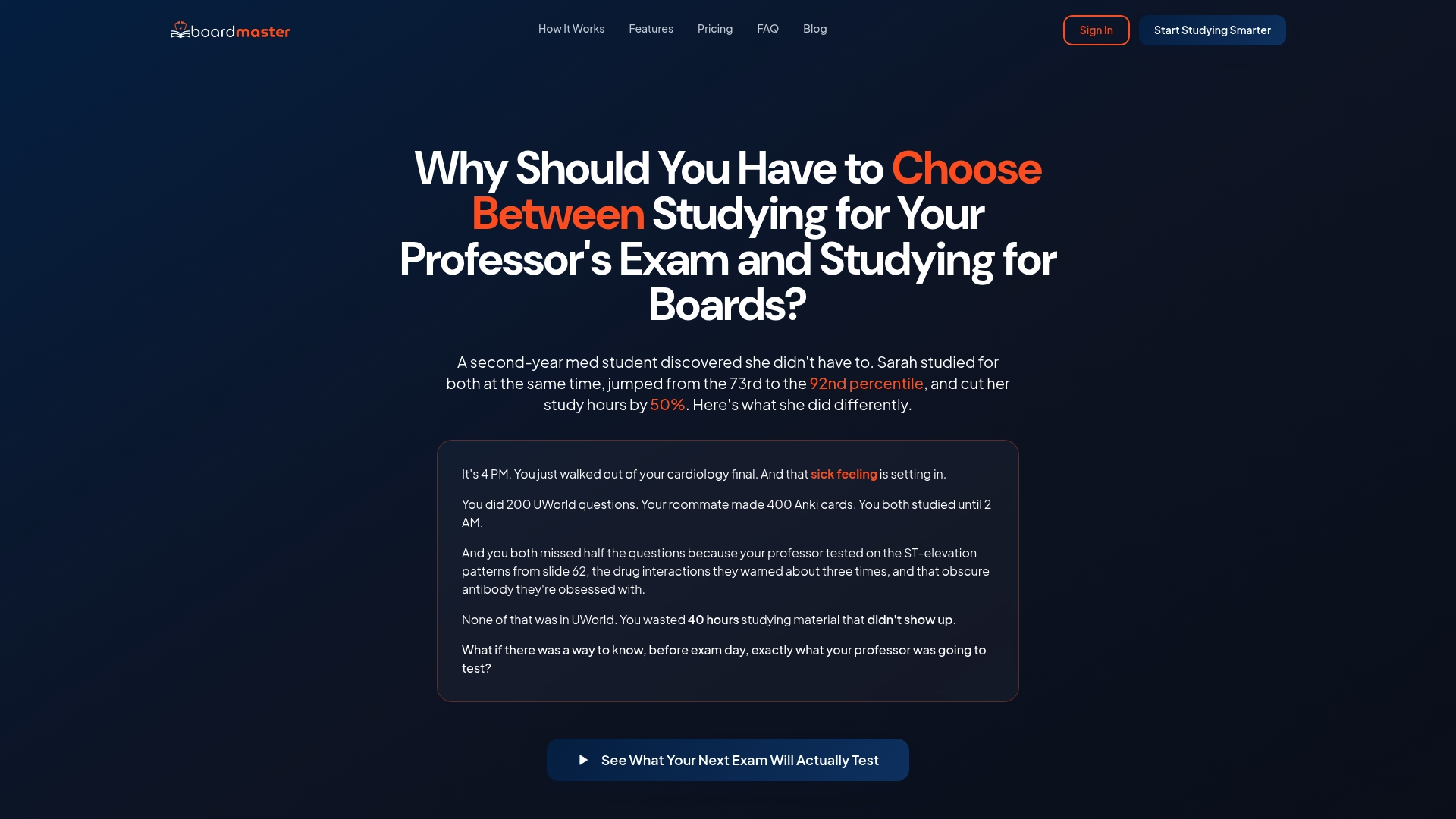
That targeted approach is what let Sarah move from the 73rd to the 92nd percentile while cutting her study hours roughly in half, using questions built from her own course material rather than a generic bank.
- Generate exam-style questions directly from your uploaded slides with our AI question generator.
- Build spaced-repetition flashcards automatically, including medical images, through our flashcards demo.
- Practice clinical reasoning with AI OSCE simulations available 24/7.
Annual and free tier plans are offered; current prices are available on our pricing page. Visit BoardMaster to sign up, or check out the QBank and Cortex AI study assistant for instant explanations while you study.
FAQ
What is the best way to study PowerPoint slides?
The best approach is converting slide content into retrieval questions and flashcards rather than rereading it, then reviewing those items on a spaced schedule across several days. This combination of practice testing and distributed practice consistently outperforms passive review methods like rereading or highlighting.
What is the 10/20/30 rule for PowerPoint?
The 10/20/30 rule is a presentation design guideline suggesting a slide deck should have about 10 slides, last no more than 20 minutes, and use a minimum 30-point font. It's a rule for building presentations, not a study method, so it doesn't apply to how you review someone else's lecture slides afterward.
How many slides should an hour-long lecture have?
There's no fixed standard, and lecture slide counts vary widely by subject, pacing, and how much detail each slide carries. Rather than counting slides, focus your study time on the ones the professor emphasized verbally or repeated, since those carry the strongest exam signal regardless of deck length.
What are the best tips for studying slides efficiently?
Convert slides into retrieval questions and flashcards within a day of the lecture, then space your review across increasing intervals based on how well you recall each item. Tools that generate practice questions directly from uploaded slides, such as BoardMaster's AI Question Generator, can cut the time this conversion step takes.
How do I manage study anxiety when using effortful techniques like retrieval practice?
Effortful study methods can feel more stressful in the moment than passive rereading because they expose gaps in your knowledge immediately. Resources focused on evidence-backed exam anxiety strategies can help you manage that discomfort while you build the habit.
Sources
- All study strategies not created equal, according to Kent State researchers
- Improving Students’ Learning With Effective Learning Techniques: Promising Directions From Cognitive and Educational Psychology
- Retrieval practice: a more effective way to study
- Spacing to boost learning (UTexas summary)
Key research and practical guides used in this article
These sources, from cognitive psychology researchers and university teaching centers, support the study techniques and figures referenced above.